 laCook
Orders reach the kitchen paper-free
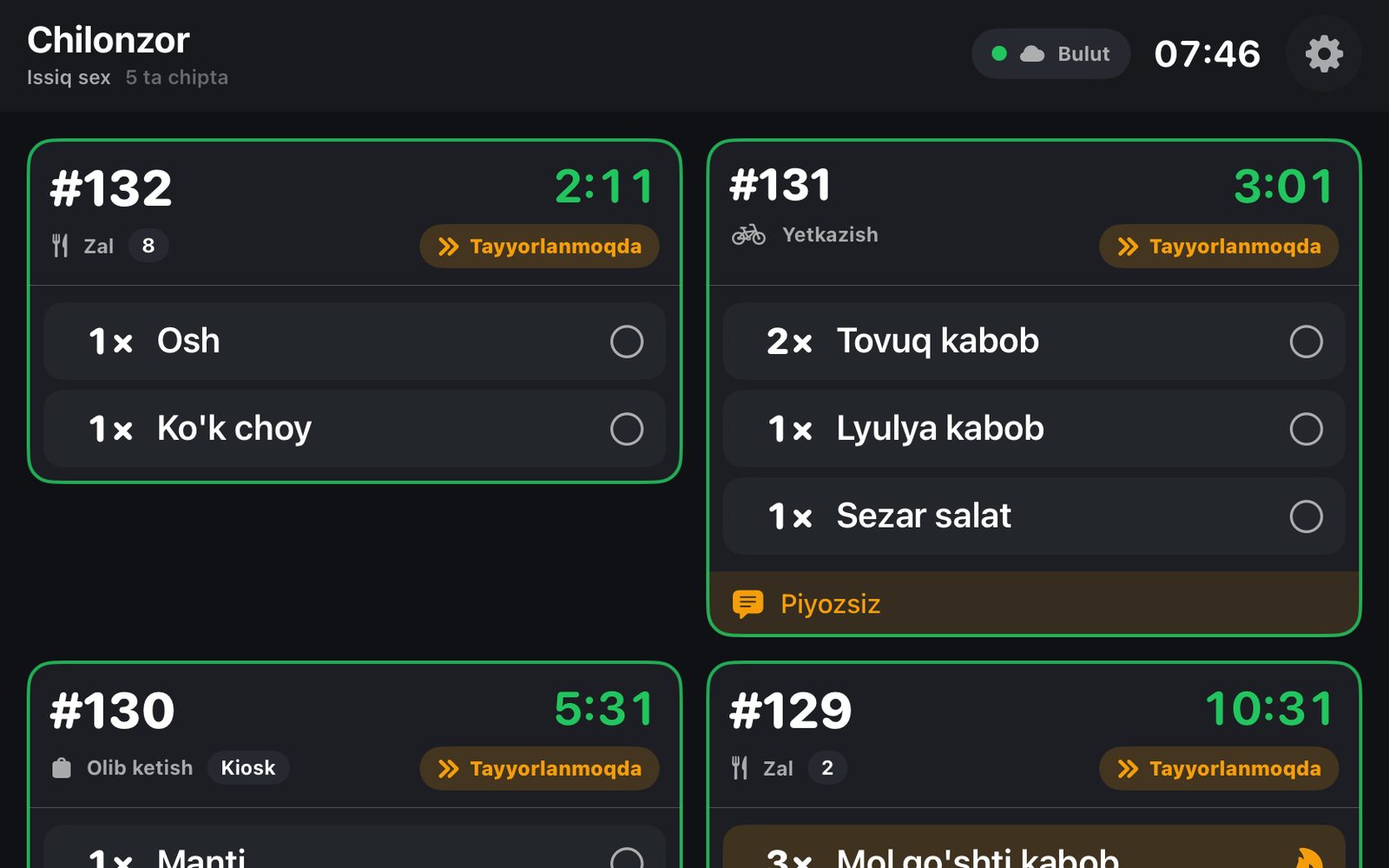
As soon as an order comes in, dishes appear on the cook's tablet by station. The cook taps «started» and «ready», and the timer flags late tickets in yellow and red.
Download the app
Stations and dish routing come from the laCafe dashboard — with iiko they sync automatically.
From ticket to pass
The screen hangs on the wall: large text, colors readable from 2 meters, minimal taps.
Already connected to laCafe
laCook is part of the laCafe ecosystem: orders from the POS, laPOS, QR menu, laKiosk, laTable and delivery land on one screen.
Works offline too
With a POS server or laBox in the branch, the tablet connects over the local network. Otherwise via the cloud — it switches by itself.
Expo screen
The pass sees the whole order — including items that need no prep (Cola, bread) — and marks it «served».
Every order source
Dine-in, QR menu, kiosk, website and delivery orders all arrive as the same ticket.
A cook is staff
Each screen is a cook in laCafe, with its branch, mode and stations. Disconnect with one button.
Always on
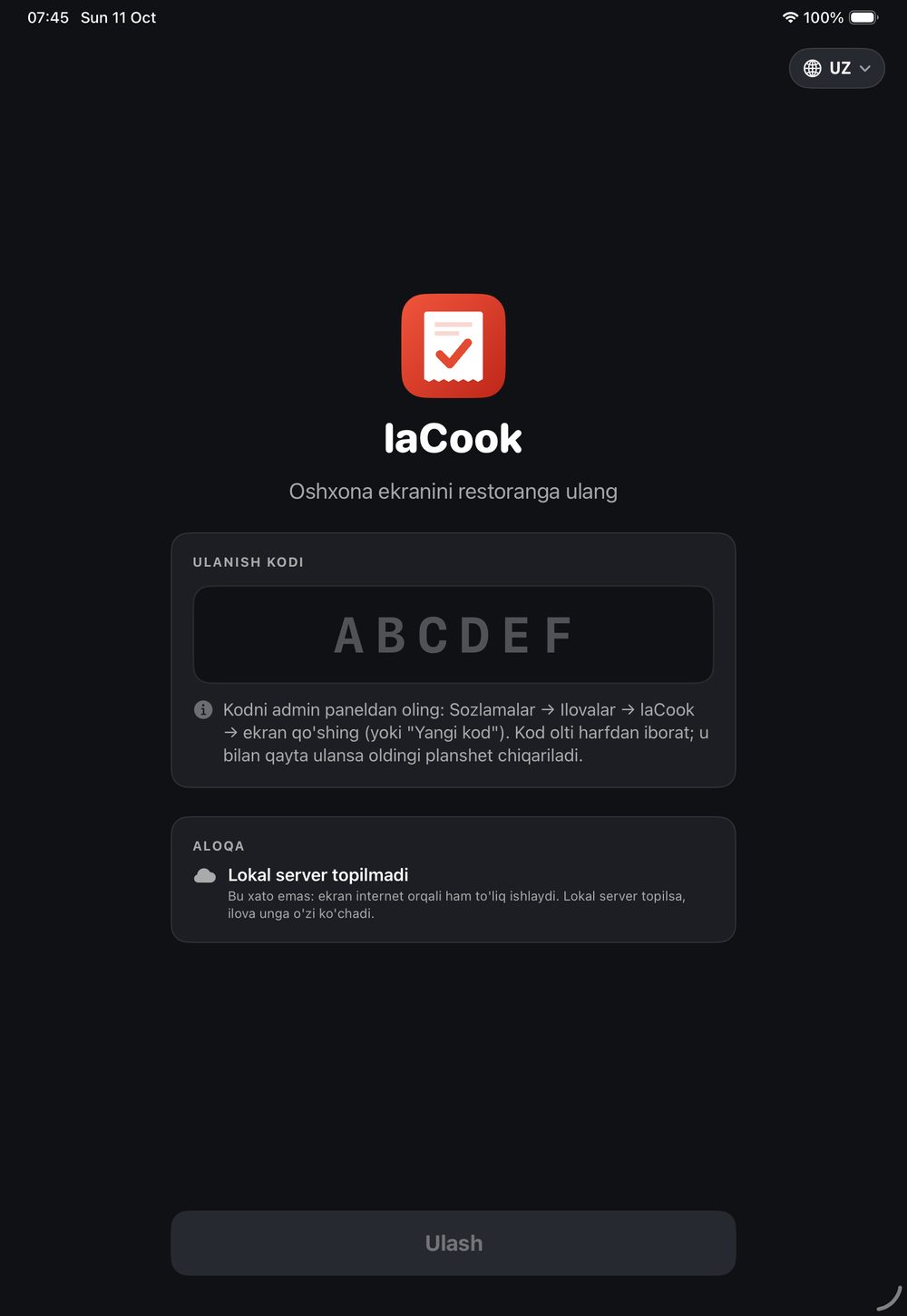
The screen never sleeps and refreshes itself when a new ticket arrives. Pairs with a one-time code.
3 languages
Uzbek, Russian or English — set per tablet.
What to cook — at a glance
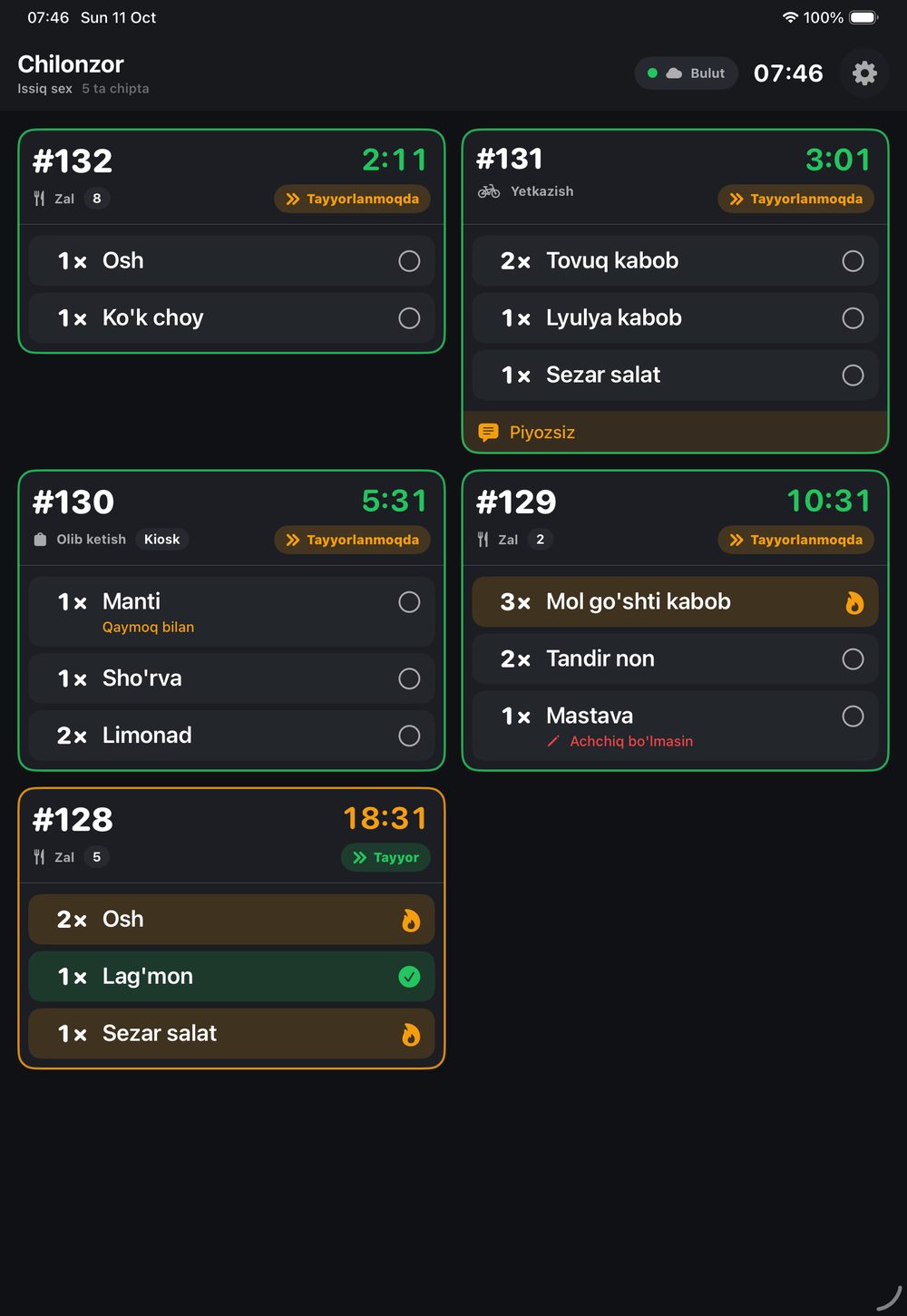
- Branch, station and open ticket count at the top
- Color: green — on time, yellow — running late, red — late
- Cooking shows a flame, ready shows a green check
- Modifiers and notes stand out: «not spicy», «no onion»
- Connection status is visible: Local or Cloud
Through the cloud or on the kitchen network
One pairing code works for both. The app looks for a local server every minute and switches to it when found.
Cloud
Over the internet, no server needed: tickets come from laCafe. The main path for most restaurants.
Local
Through the branch POS server or laPOS on laBox, over the kitchen Wi-Fi. Tickets keep arriving even when the internet drops.
Devices
iPad, iPhone and Android tablets. One screen per station, or several stations on one screen — you choose in settings.
Install it in your kitchen — free
laCook is on the laCafe app store. It works in restaurants with the Kitchen module on: stations, routing and orders come from laCafe.
- App store → laCook → InstallIf the Kitchen module is off, laCafe offers to turn it on.
- Settings → Apps → laCook → Add screenPick the branch, mode (station or expo) and stations — a 6-letter pairing code appears.
- Enter the code on the tabletOpen the laCook app and enter the code — tickets show up right away.
Frequently asked questions
How much does laCook cost?
It is free on the laCafe store. No limit on the number of screens.
What happens if the internet goes down?
With a POS server or laBox in the branch, the tablet keeps working over the local network. Only cloud-only branches need internet — tickets refresh on their own once it is back.
Where do I set which dish goes to which station?
In the laCafe dashboard: Kitchen → Stations. With an iiko POS, stations sync from it automatically.
Which orders show up on the screen?
Everything sent to the kitchen: dine-in (POS, laPOS, laWaiter), QR menu, laTable, laKiosk, website and delivery.
What if I replace the tablet?
Get a new code in settings — the tablet paired with it works and the old one is signed out automatically.